A launcher built for driving
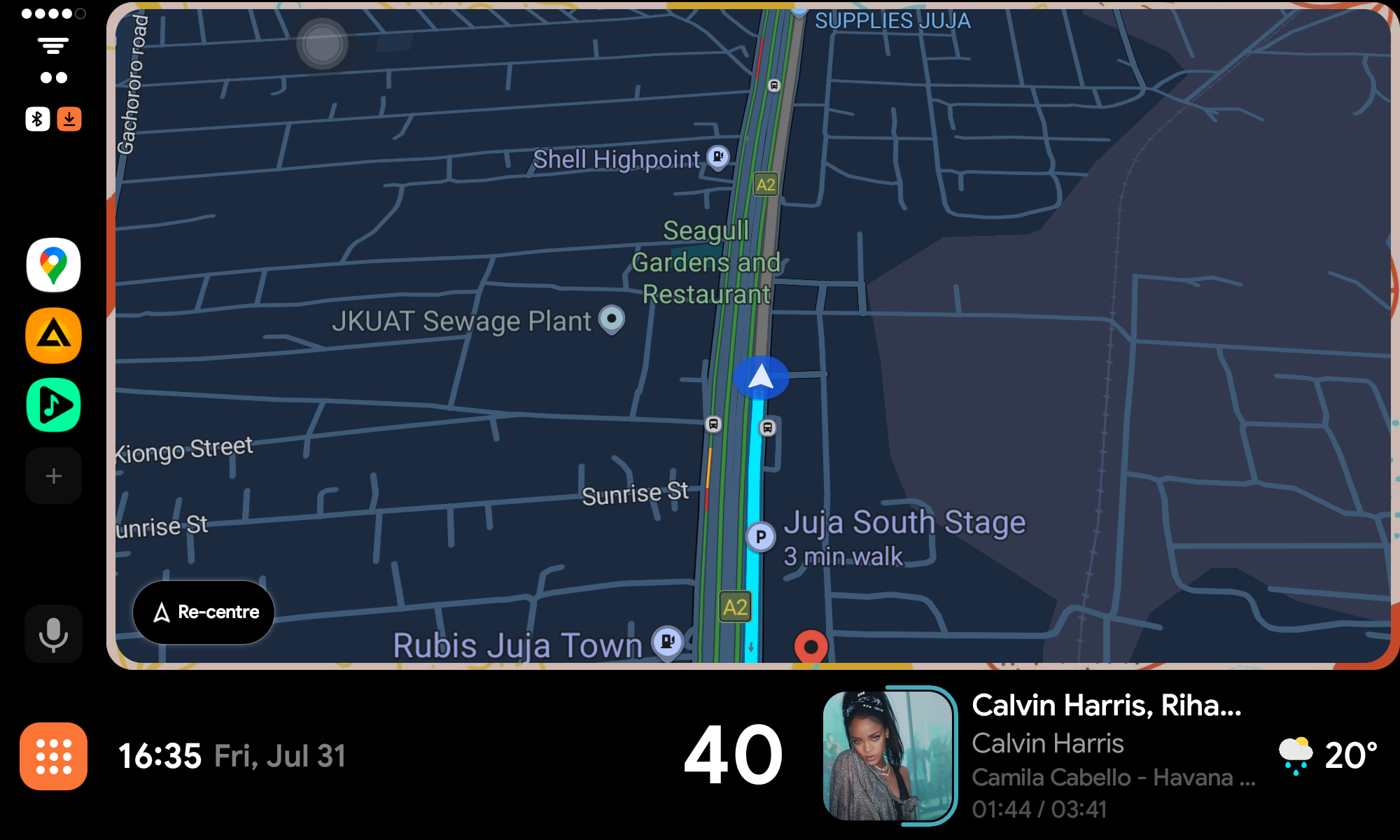
Dark-themed Android launcher for car head units. Media, weather, speed, trips, and embedded apps in one clean interface.
Help keep Mini AA alive
Mini AA is built by a solo developer in Nairobi, Kenya. No company behind it, no ads, no data collection — just one person building the launcher they wished existed for their car. Every feature, every bug fix, every late night testing on different head units.
Your support — even a single coffee — directly funds development time, testing devices, and keeps this project free for the entire community. It also tells me someone out there is actually using this thing.
Mini AA Pro
Offline navigation, dark maps, premium themes, RHD layout, trip recording, and automatic Play Store updates. Android 8+ — works on any head unit, tablet, or phone. No AOSP keys needed.
Offline maps: if your region isn't available yet, tap "Request" in the app and it will be added. The app auto-detects your location and lets you request with one tap.
Get it on Google Play →
What's New — v0.4.0
LHD / RHD layout — switch between left-hand and right-hand drive in Settings → Layout. Swaps media and PIP panel positions with consistent panel gaps
Ring progress on status bar — new progress style wraps around album art instead of a linear bar. Configurable in Settings → Status Bar → Progress Style. Supports drag-to-scrub along the ring
Status bar media player redesign — map view respects speed bar / media bar choice. Speed bar + mini player with ring progress when speed bar is selected. Full player text layout adapts when "up next" is unavailable
Trip summary on status bar — shows last trip stats (distance, duration, avg/max speed) when stationary. Hidden in map view where media bar takes priority
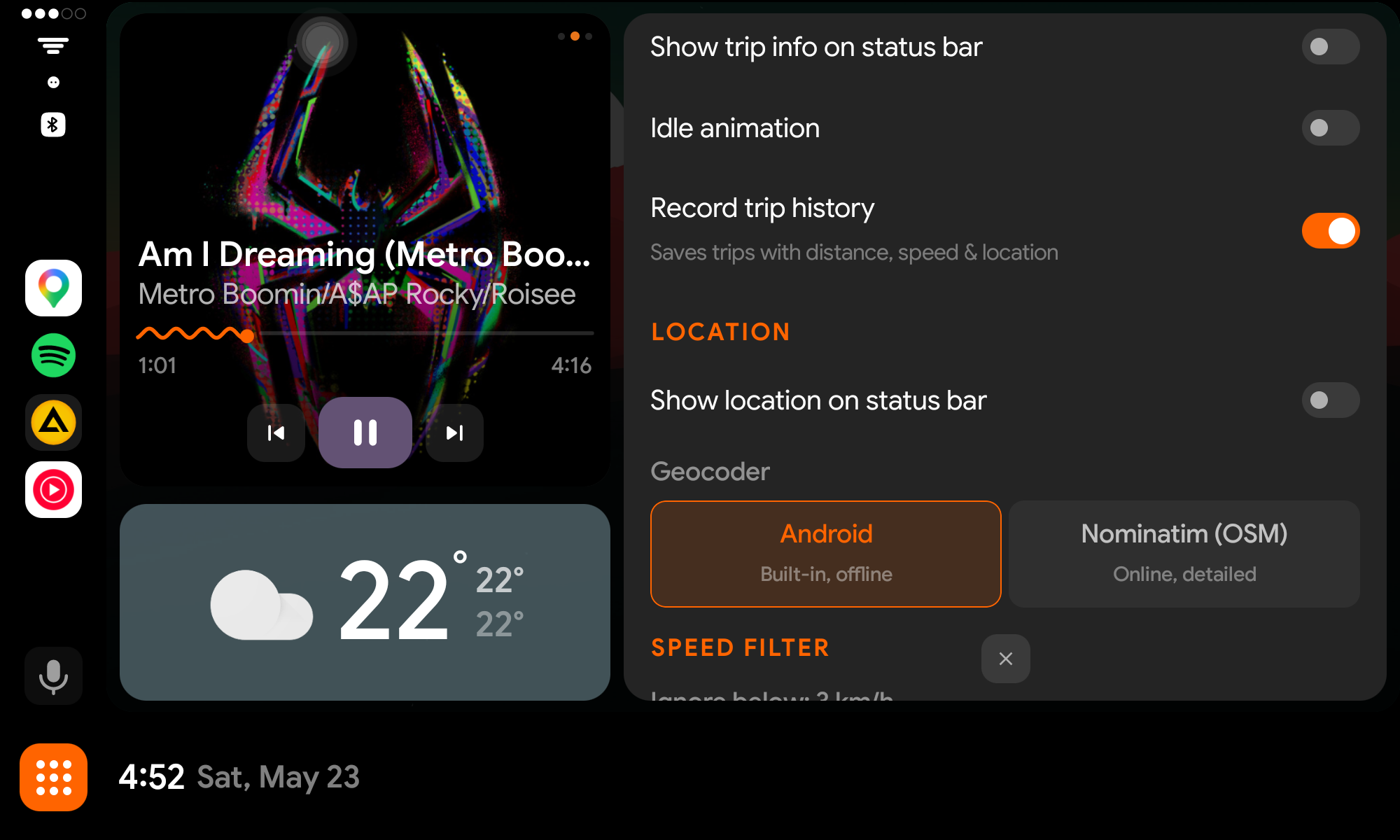
Idle animation — colorful drifting particles when stationary with no trip data. Toggleable in settings
App search & sort — search bar in the app drawer filters apps in real-time. A-Z / Z-A sort toggle cycles through alphabetical ordering
Weather caching — weather data persists across app restarts via SharedPreferences. Shows cached data on cold start, silently falls back to cache when API fails
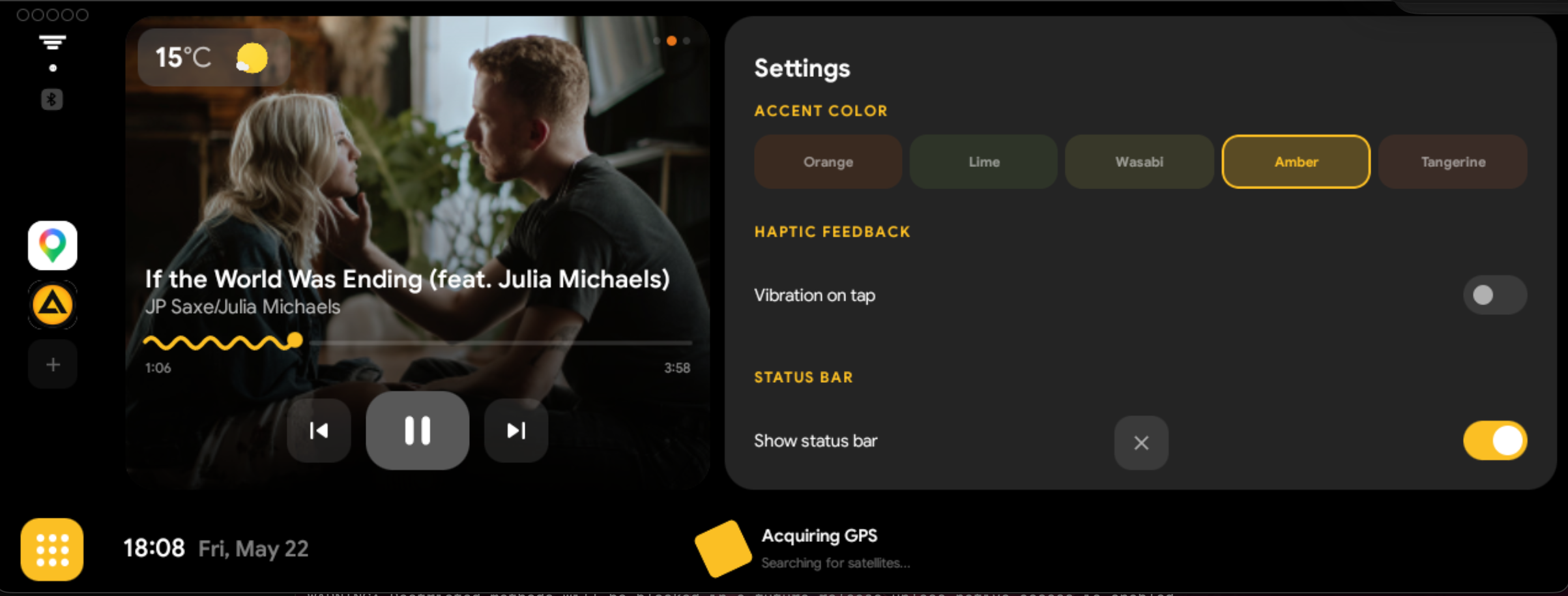
Haptic feedback & touch sounds — every interactive control now plays touch sound and haptic feedback. Audio uses navigation guidance stream for reliable playback on head units
Background pattern — new static pattern image option alongside solid background colors
PIP recovery after long idle — fixes the long-standing issue where embedded apps stopped responding after parking for a full day. Clears stale cached reflection methods, adds surface liveness checks, and auto-restarts activity when binders are dead
Faster PIP retry — simplified from 5-attempt tier system to 2 quick attempts then immediate Activity restart. No more waiting 6+ seconds on dead instances
Default album art — custom "Broken" album cover shown when no album art is available across all players (split view, mini, full)
Progress sync fix — media progress bar no longer jumps when switching between split and map view. Uses estimated position from lastPositionUpdateTime
Bug fixes — share logs crash (FileProvider authority mismatch), update checker error handling, stepper alignment, clock font weight, panel spacing consistency
v0.3.0
Show/hide status bar — toggle in settings to hide the bottom bar and maximize screen space, with time and app drawer on the nav rail
M3 Expressive UI — accent color themes (Orange, Lime, Tomato, Butter, Wasabi, Amber, Tangerine) with dynamic theming across all components
In-app update checker — automatically checks GitHub for new releases, shows update card in settings with one-tap download
12/24 hour time format — configurable clock format for both status bar and nav rail
Deep sleep recovery — auto-reconnects media sessions and recreates embedded views after overnight park
Network type labels — WiFi, 4G, H+, 5G indicators on the nav rail with dimmed state when disconnected
GPS fix indicator — pulsing accent-colored dots while acquiring satellites
Fullscreen app grid — apps launched from the grid now open fullscreen on the main display
Firebase Analytics + Crashlytics — anonymous usage stats and automatic crash reporting
Bug fixes — volume indicator ghost trigger, bluetooth detection fallback, location icon update, media auto-launch after sleep, coroutine scope leaks, reflection caching for faster PIP switching
v0.2.0
Android 10–12 verified — system build tested and confirmed on Android 10, 11, and 12 head units
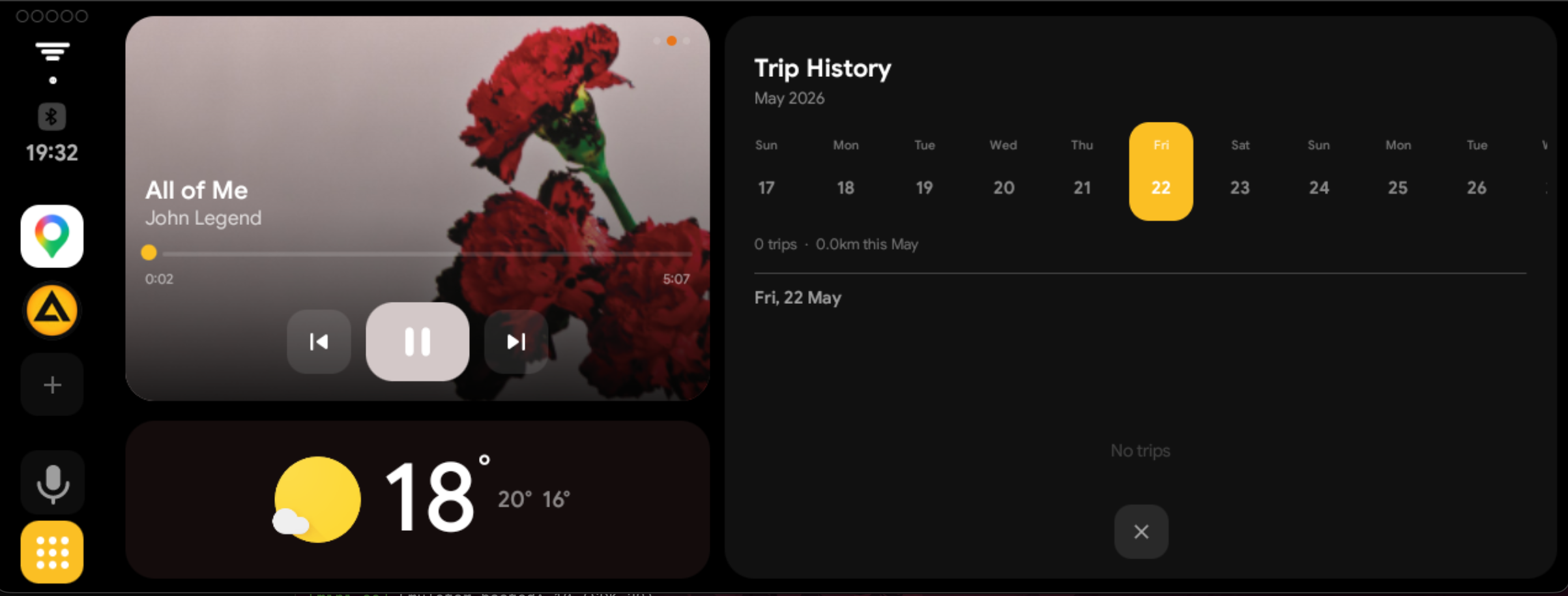
Trip history calendar — collapsible calendar header, swipe-to-delete trips, date grouping
Compact weather mode — weather strip overlaid on the media card for more screen space
Independent units — separate speed (km/h or mph) and temperature (°C or °F) settings
Default PIP app — set your preferred PIP app in settings, persists across restarts
Responsive nav rail — compact mode for smaller head unit screens (7", BMW narrow)
Custom backgrounds — set a background image with adjustable opacity
Bug fixes — trip history crash fix, stale PIP state after fullscreen, media auto-launch reliability
v0.1.0 — Initial Release
Media Player — auto-detects any music app, album art with color extraction
Weather — current conditions, high/low, OpenWeatherMap powered
Speedometer — GPS rolling odometer with glow bar and idle animations
Trip Recording — auto trip detection with distance and duration tracking
App Embedding — run Maps, Waze, YouTube inside the launcher (System only)
App Drawer — grid layout with configurable rows and columns
Nav Rail — pinned app shortcuts on the sidebar
Status Bar — clock, location, speed summary, app/settings shortcuts
Settings — panel ratio, grid size, weather API key, geocoder, debug logs
Setup Wizard — guided first-run for launcher, notification access, and location permissions
Dark Theme — full dark UI with orange accents, designed for driving
Compatibility
| Android Version |
System Build (Free) |
Mini AA Pro (Play Store) |
| Android 10 (API 29) | Full support | Full support |
| Android 11 (API 30) | Full support | Full support |
| Android 12 (API 31) | Full support | Full support |
| Android 13+ (API 33+) | Varies by device | Full support |
System build requires AOSP platform keys (most Chinese head units) and includes PIP app embedding. Mini AA Pro works on any device and adds offline navigation, dark maps, and premium features.
Setup
1
Install the APK and set as default launcher
2
Grant Notification Access for media controls
3
Grant Location for speed, weather, and geocoding
4
Drive and customize from Settings
Troubleshooting
INSTALL_FAILED_SHARED_USER_INCOMPATIBLEYour device uses custom platform keys. Get Mini AA Pro from the Play Store insteadINSTALL_FAILED_UID_CHANGEDUninstall existing version first
Duplicate package / conflicting packageUninstall the other build first — System and Pro use different package names and signing keys
No media controlsEnable Mini AA in Settings → Notification Access
Speed when stationaryIncrease threshold in Settings → Speed Filter